Preparatory Steps
How to Set Up your RAI Account
DBS creates a RAI account for you. To do so, they need some information from you.
If you are a new member, you will receive an e-mail from DBS with a reference to an on-boarding website. Here, you must enter the data that are required for RAI.
For a RAI account, you need a user name in form of a DENIC handle. You will receive the DENIC handle when you create a contact via the RRI. When you are a new member, you have neither access to the RAI nor to the RRI at the beginning. Therefore, DBS creates a contact with a DENIC handle for you on the basis of the data you have entered on the on-boarding page. Once you have access to the RAI, you can create a login for RRI. You need the RRI login, for instance, to send domain or contact requests to the RRI.
If you are already a DENIC member, you must send a master-key-signed e-mail to DBS that must contain the information listed below.
Mandatory data
-
A user name in form of a DENIC handle;
-
A password in form of a MD5 hash;
-
An e-mail address to which DENIC can send messages about changes made to the RegAcc profile;
-
A telephone number DBS can use to contact you to communicate your initial one-time password;
-
The environment for which the user name shall apply;
-
You can choose between
-
Live environment and Member Test environment;
-
You can also select both environments.
-
-
Optional data
-
If you want to administer more than on RegAcc with your RAI account, please communicate the relevant RegAccs to DBS.
-
• Authorisation profiles:
-
Read/Write Access
This is the standard authorisation profile. It is assigned automatically, if no details are entered for the authorisation profile. -
Read-only Access
This is the profile for RAI accounts that are only allowed to access RegAcc profiles in the print view. -
No Write Access to RRI Access Data
Additionally, read and write accesses are granted in the same way as for the authorisation profile.
-
How to Request a One-Time Password from DBS
You enter the DBS one-time password together with your user name and your password on the RAI login page.
You will receive a DBS one-time password
-
When DBS creates a new RAI account for you, or
-
when you are no longer able to authenticate for an existing RAI account, for instance because you have lost your token. In that case, please contact DBS and request a new one-time password.
DBS will communicate your initial DBS one-time password by phone.
| Notice |
The DBS one-time password is valid for a limited period of twelve hours. If you do not use the DBS one-time password during this period, it expires automatically. |
How to Install the Password Generator
| Notice |
Please contact DBS if you need assistance with the installation of your password generator. |
or logging in to RAI, two-factor authentication is mandatory. Two-factor authentication means that next to a first factor, which is your user name plus your password, you enter another factor when you log in to RAI. The second factor is a one-time password that is valid for a restricted period and for one single login only.
This changing password is generated for you by a password generator, which you install as an app on your mobile device (smartphone/tablet).
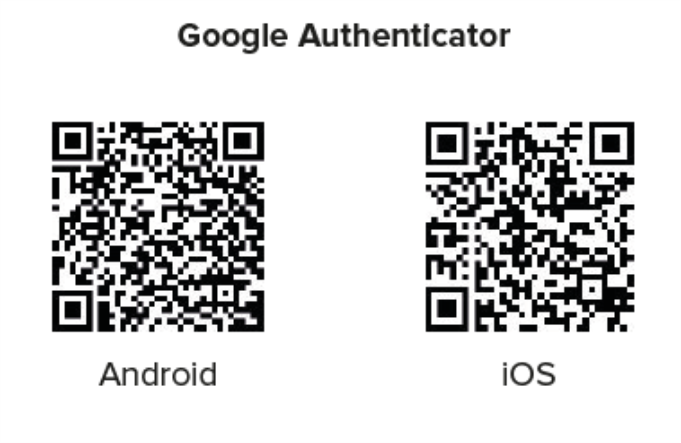
For iOS and Android devices, for instance you can use the Google Authenticator app.
You configure the password generator for RAI after you have logged in. For more detailed information go to the chapter How to Set Up a Two-Factor Authentication (2FA).