Access to the accounting lists
General
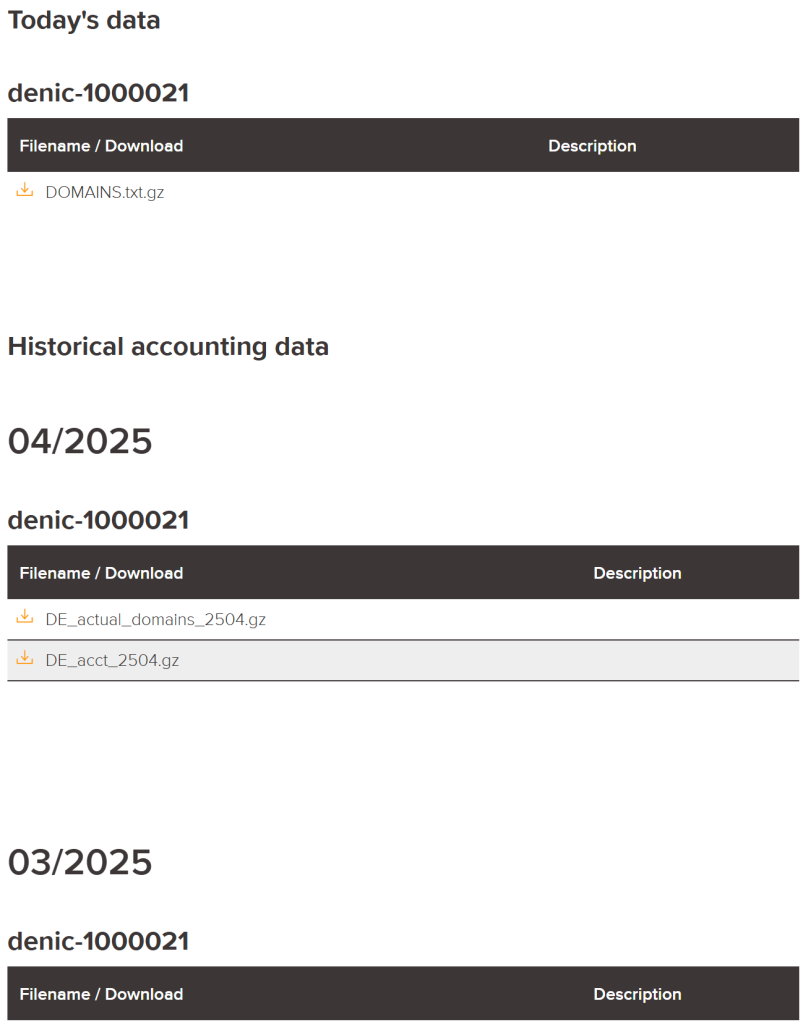
Information On the member website you can get a variety of information. In your personal accounting section, for example, you can access your accounting data of the preceding month as well as daily domain lists. Additionally, you can view general statistics and specific information for DENIC members.
How to Log in to the Member Website
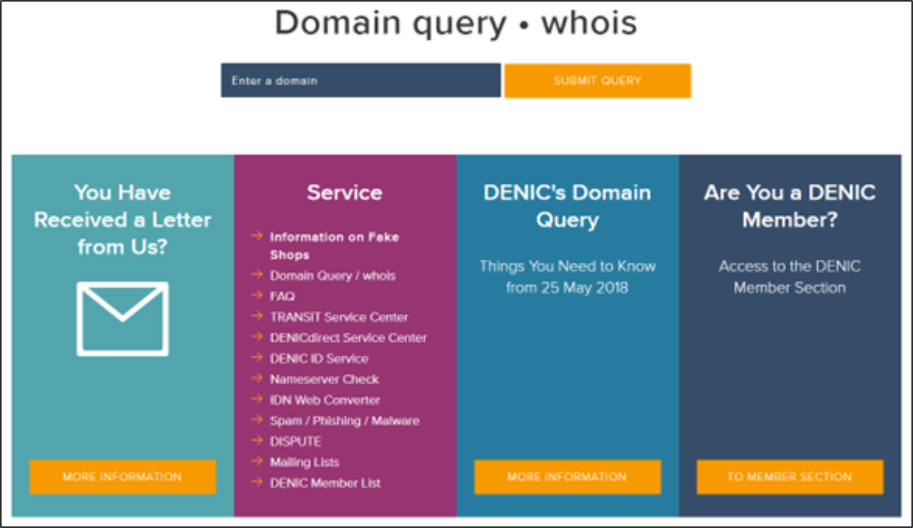
Call the DENIC website at https://www.denic.de and scroll down a bit. Go to the box “Are You a DENIC Member?” and click on “To DENIC Member Section”.
Alternatively, you can access the member login page via https://member.secure.denic.de/en/member-login.
Figure 1: Link to member login on the DENIC website
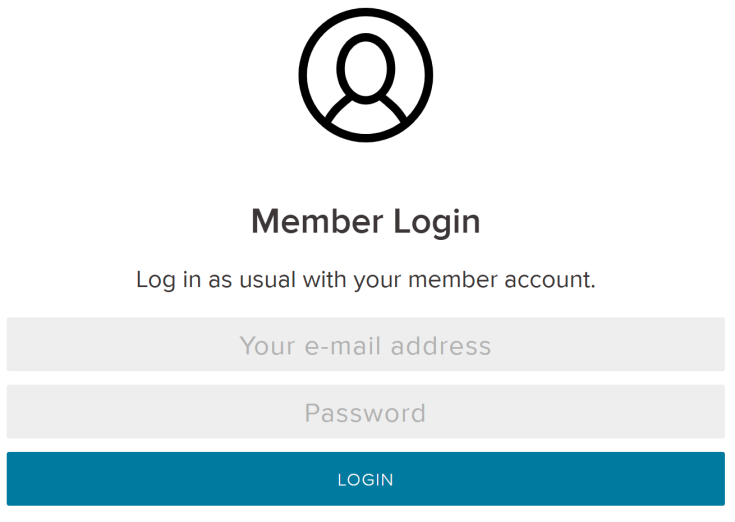
To get access you must authenticate with your username and password.
Figure 2: Login page
Access Accounting
Access Accounting via the Service menu
Service > Financial Issues > Accounting Data
Access Accounting via myDENIC
myDENIC > Your Accounting Data
Access Accounting in the profile menu
 > Your Accounting Data
Figure 3: Page to lists with your accounting data